
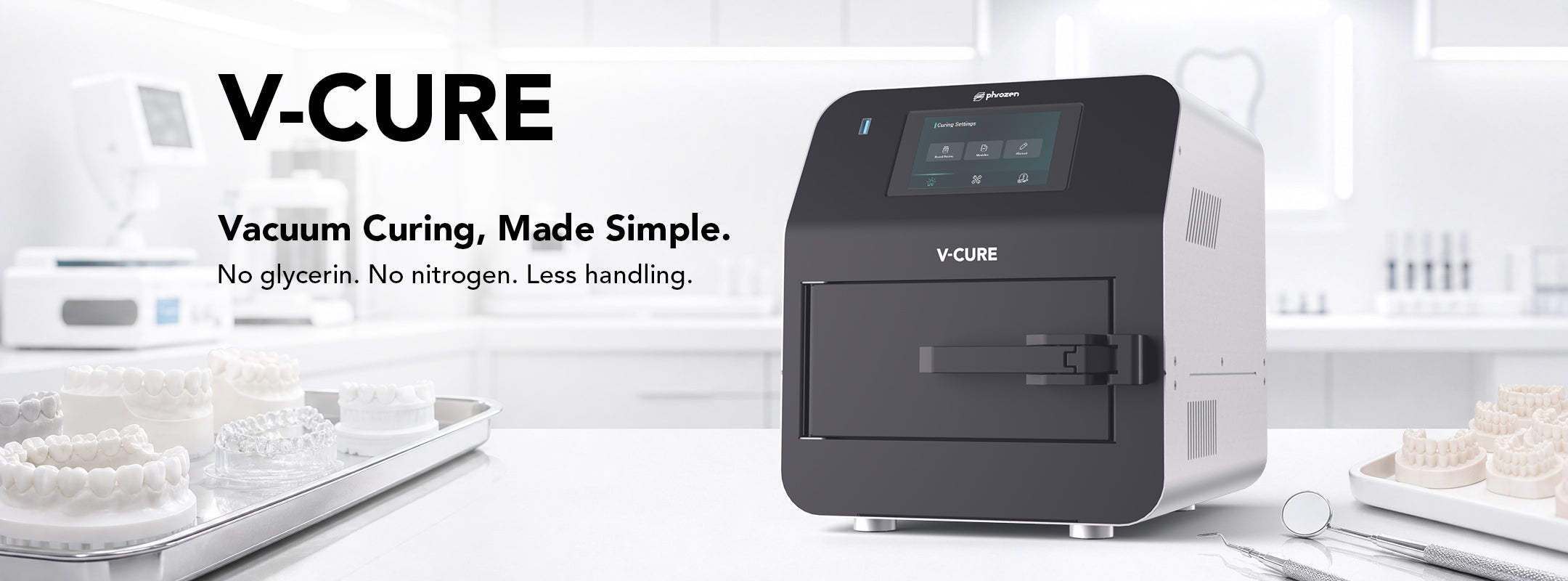
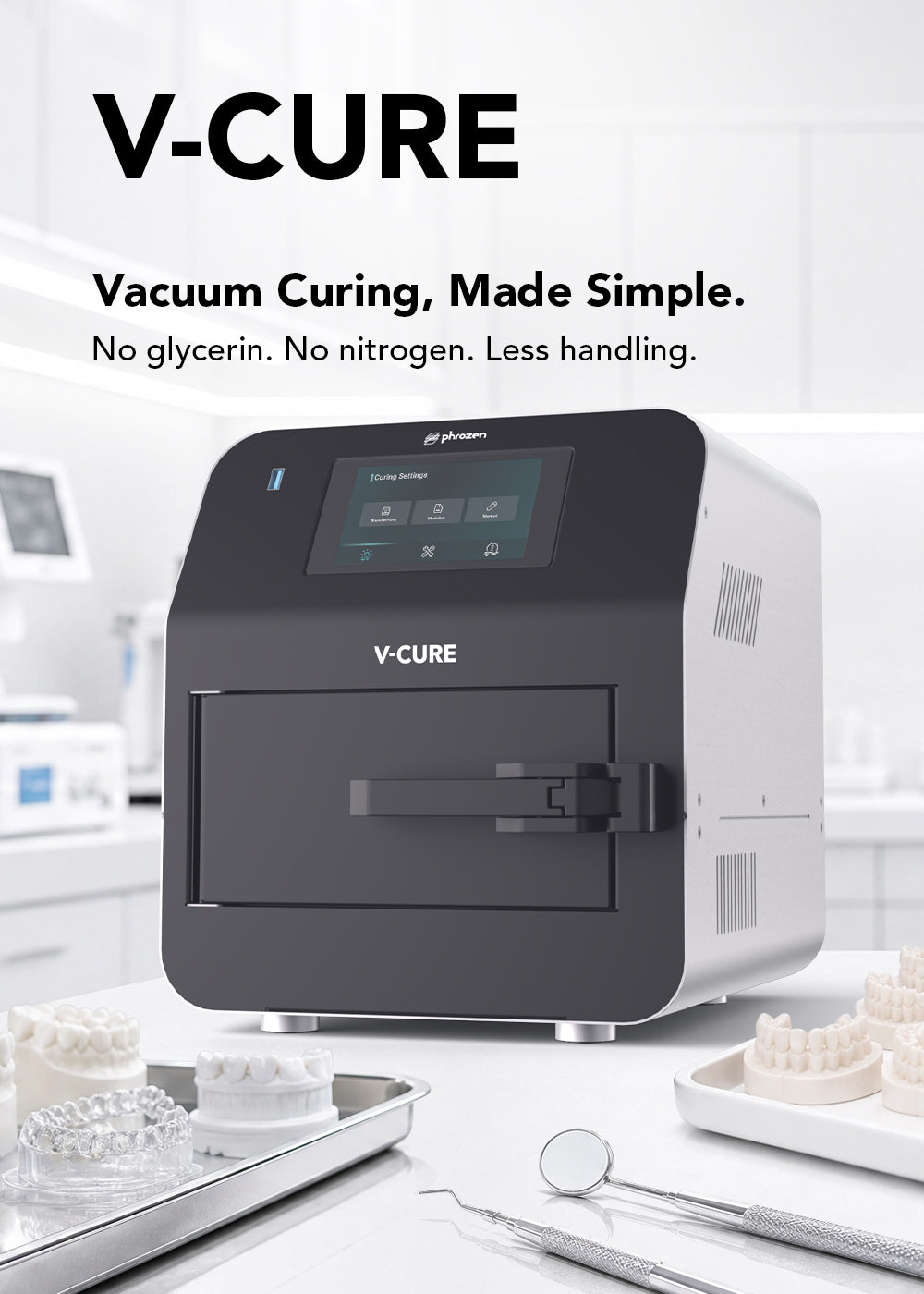
V-CURE is a compact vacuum post-curing station designed for dental 3D-printed parts.
By reducing oxygen exposure during UV curing, it simplifies post-processing without the need for glycerin or nitrogen.
Who Is V-CURE For?
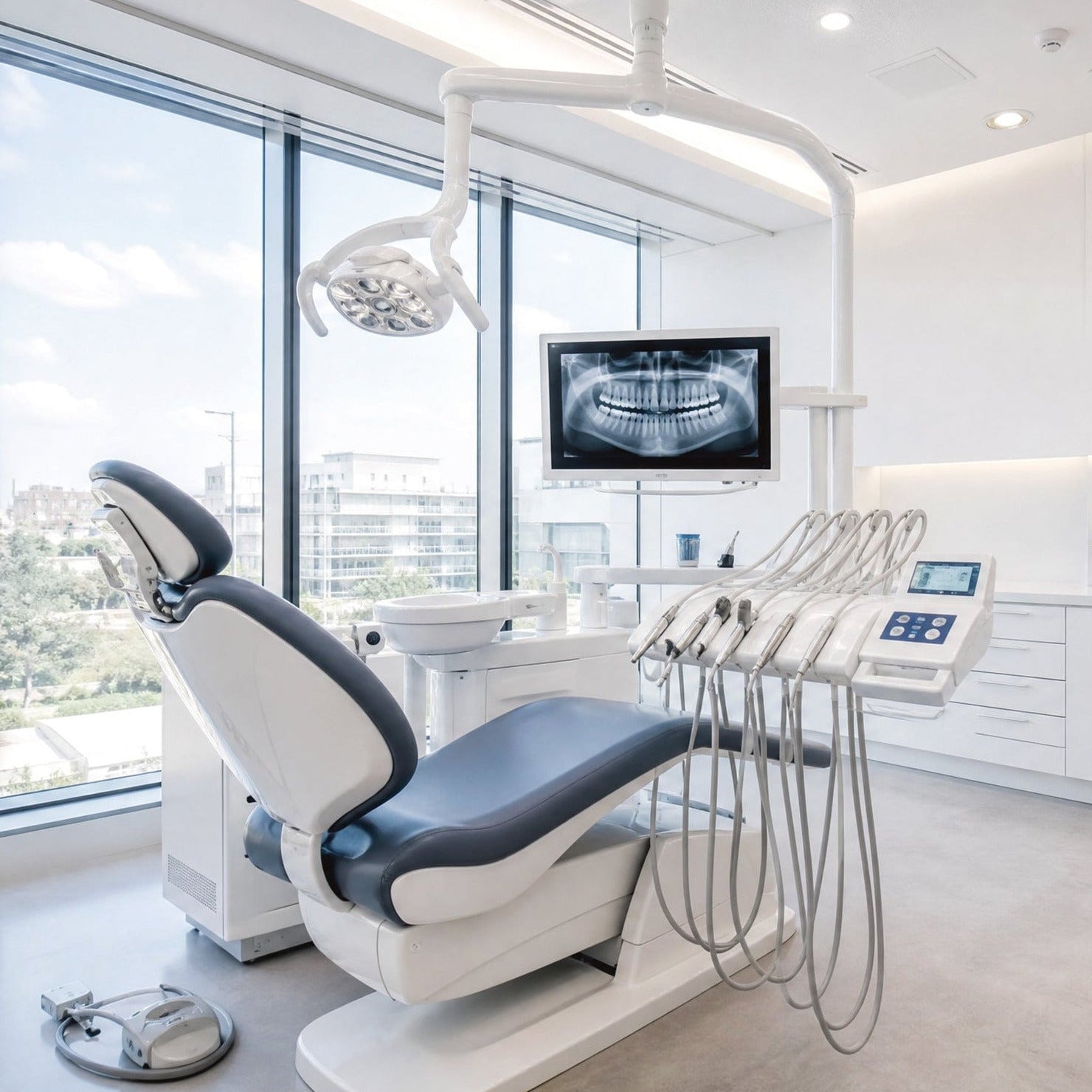
Dental Clinics
For simplified in-house post-curing with less material handling.
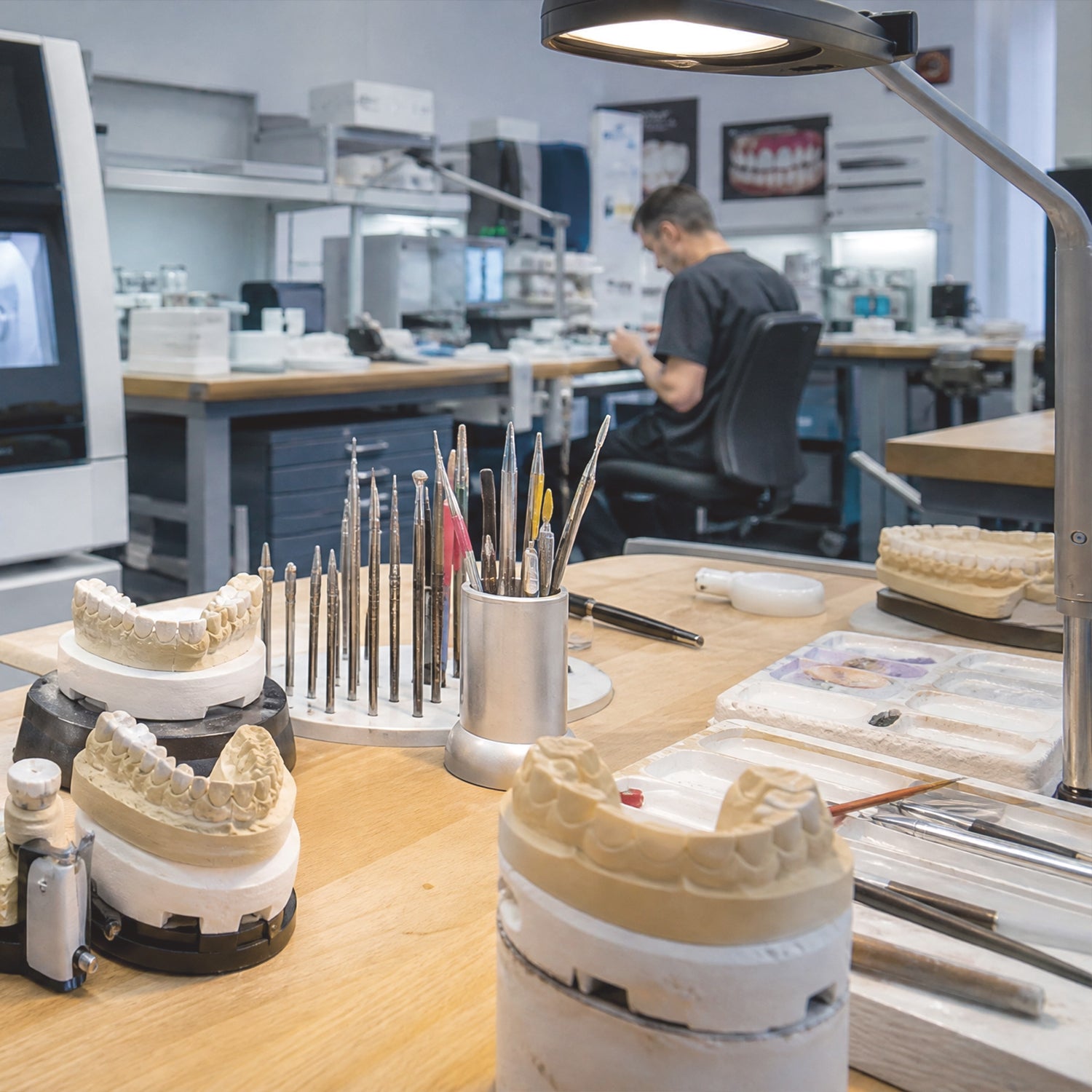
Dental Laboratories
For standardized and repeatable dental production workflows.
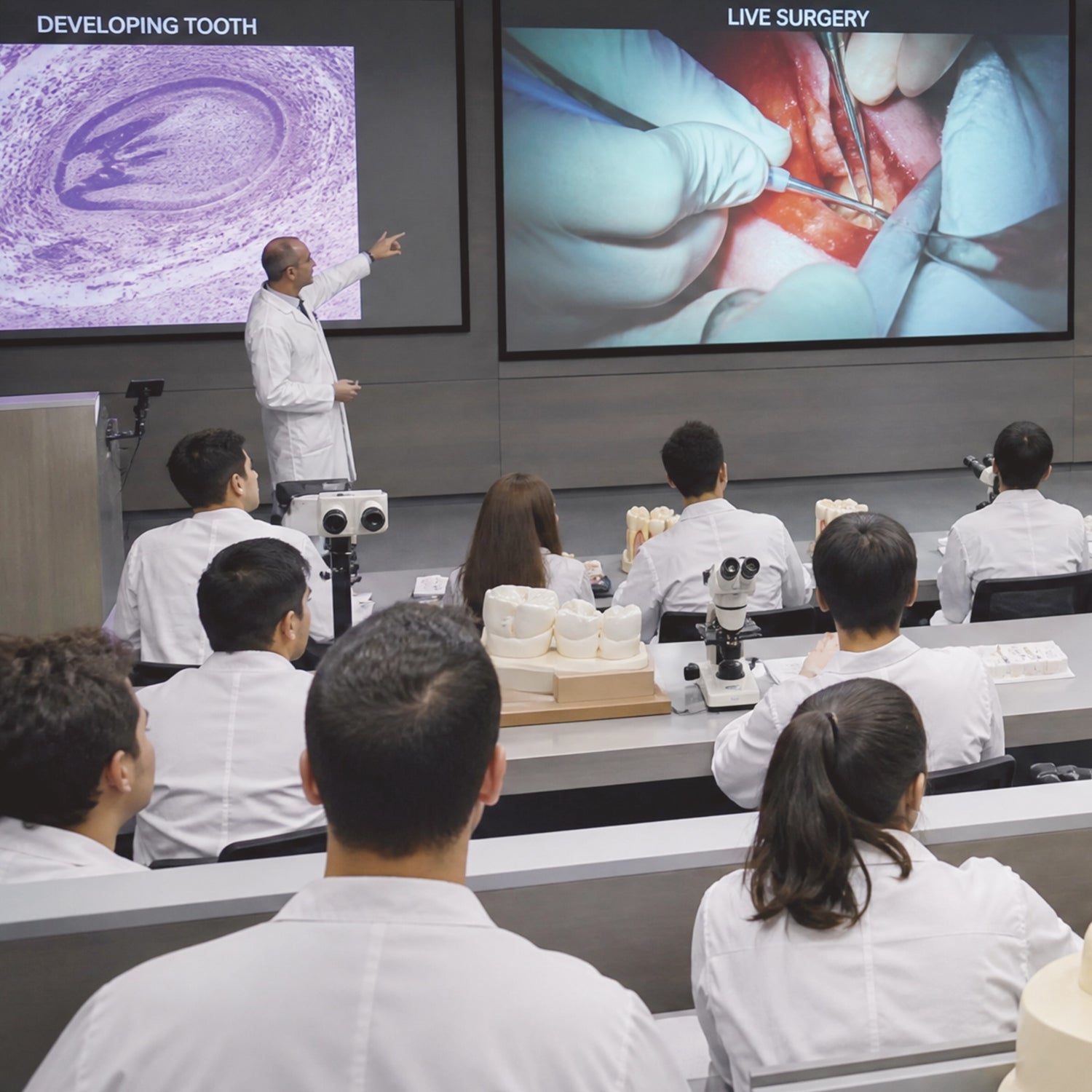
Professional 3D Printing Users
For specialized applications that benefit from vacuum-assisted, low-oxygen post-curing.
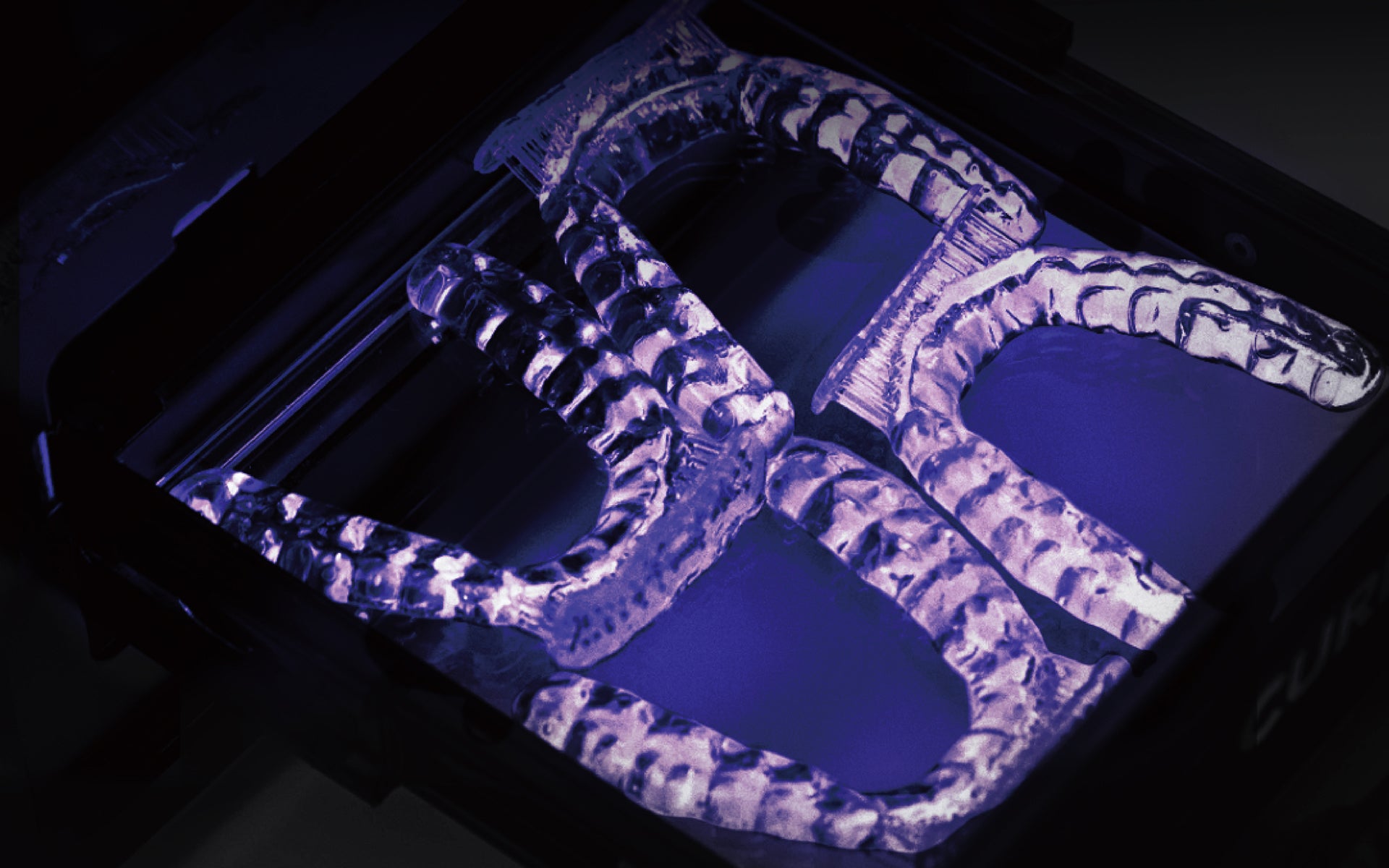
Reliable, Uniform Curing with Vacuum Technology
Effortless, Oxygen-Free Curing
Vacuum-based polymerization remove the need for glycerin baths or nitrogen setups. It makes post-curing simpler, cleaner, and safer while ensuring maximum biocompatibility and mechanical properties.
Powerful & Rapid Curing
Fully cures biocompatible appliances within minutes, including temporary/permanent restorations, surgical guides, and occlusal splints.
Consistent, Homogeneous Results
Advanced vacuum technology ensures uniform, high-quality curing across every print.
Efficient Curing for Advanced Dental Workflows
Post-cure a wide range of dental appliances with faster cycle times and material-specific profiles, designed to support biocompatible workflows and same-day dentistry.
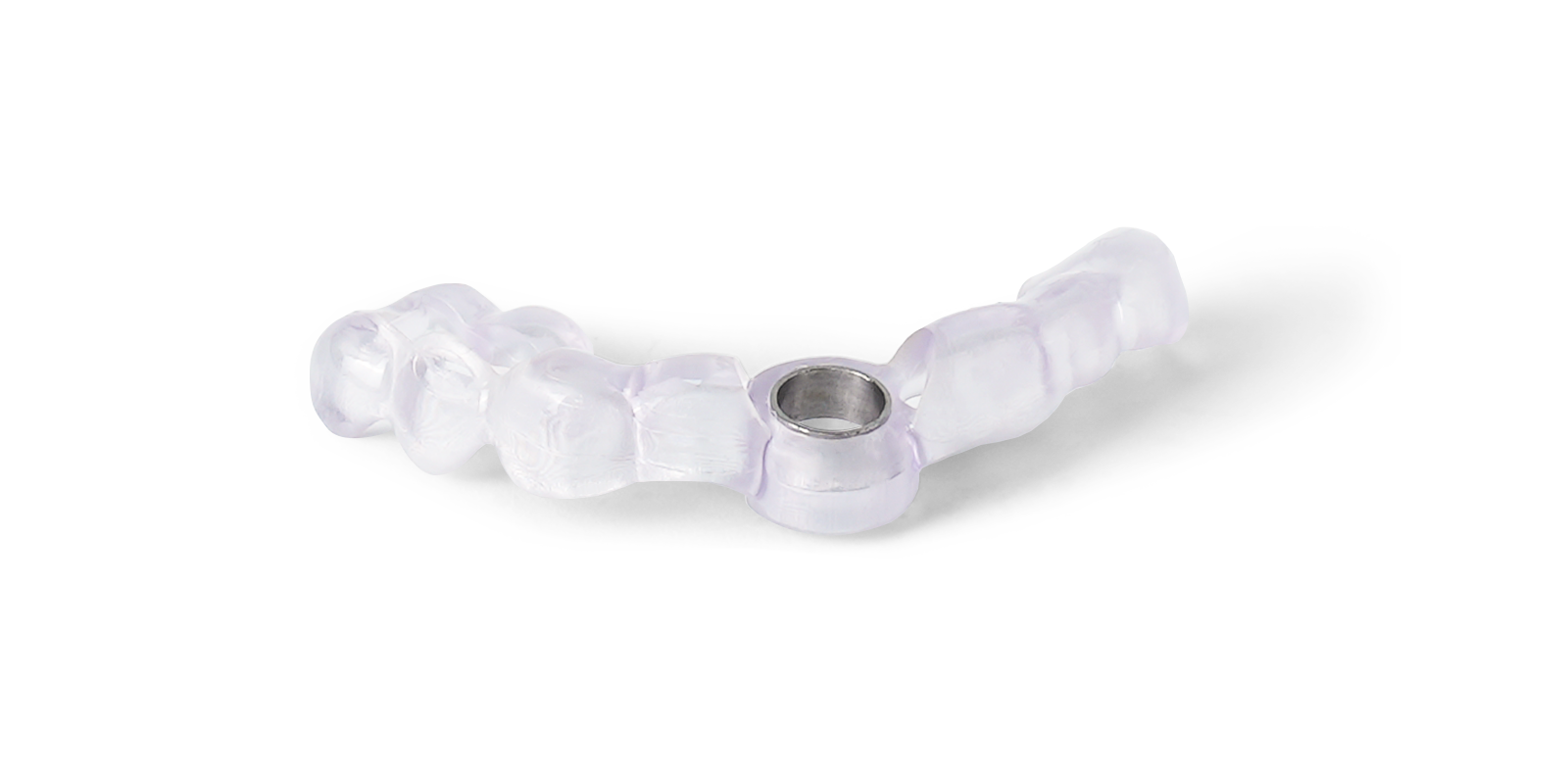
Surgical Guide
3-4 min
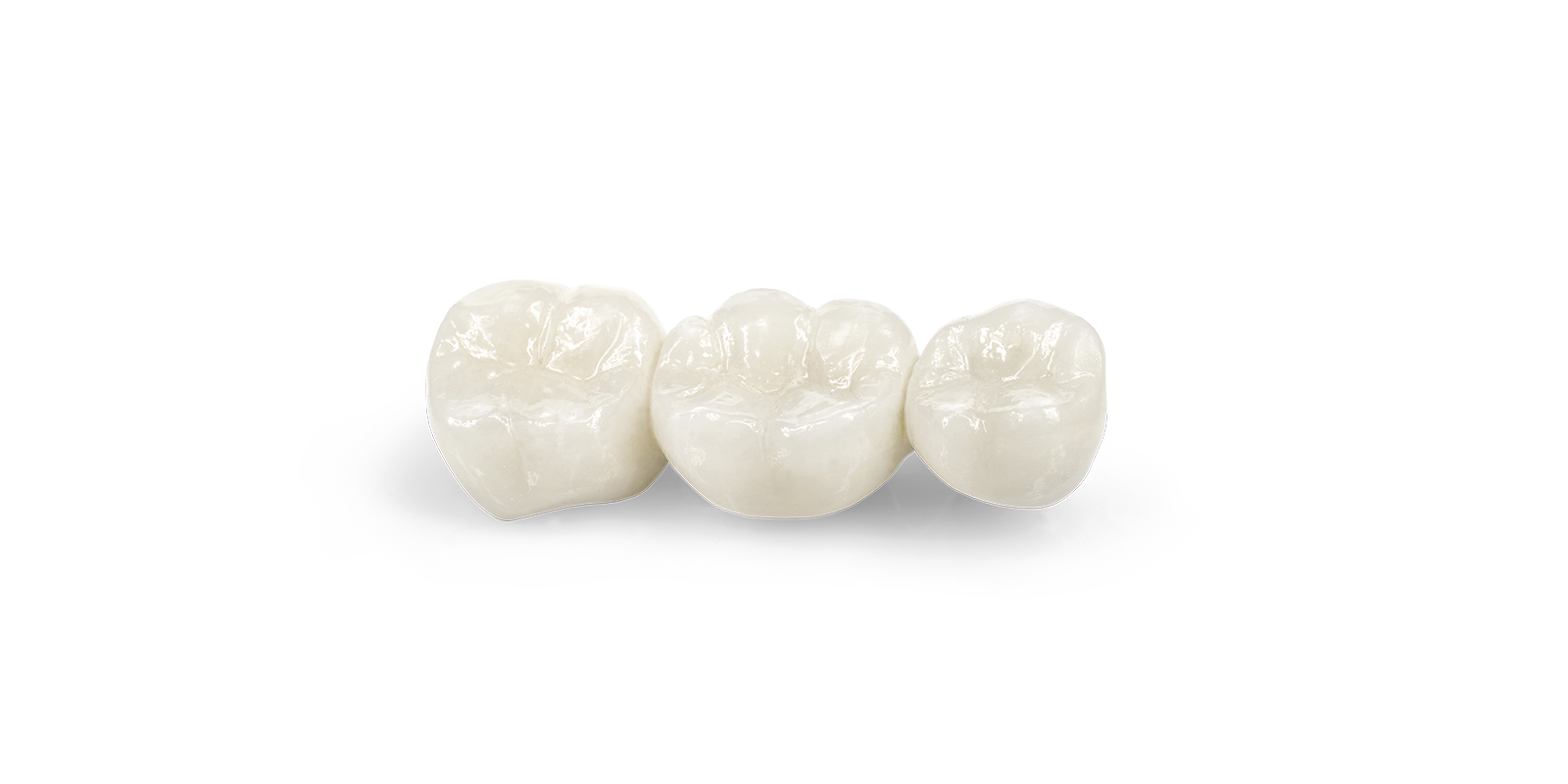
Crown and Bridge
6 min
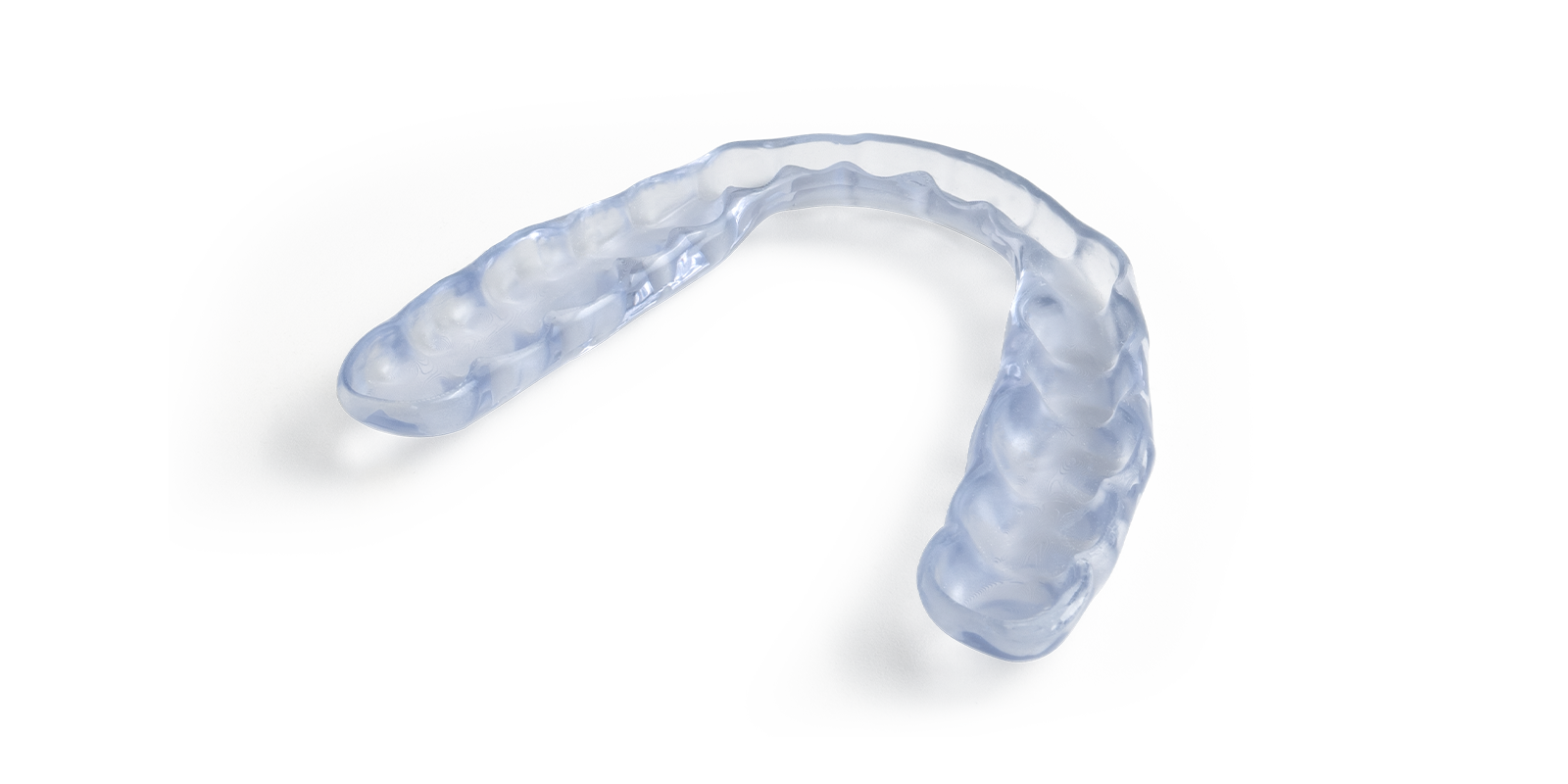
Occlusal Splint
6 min
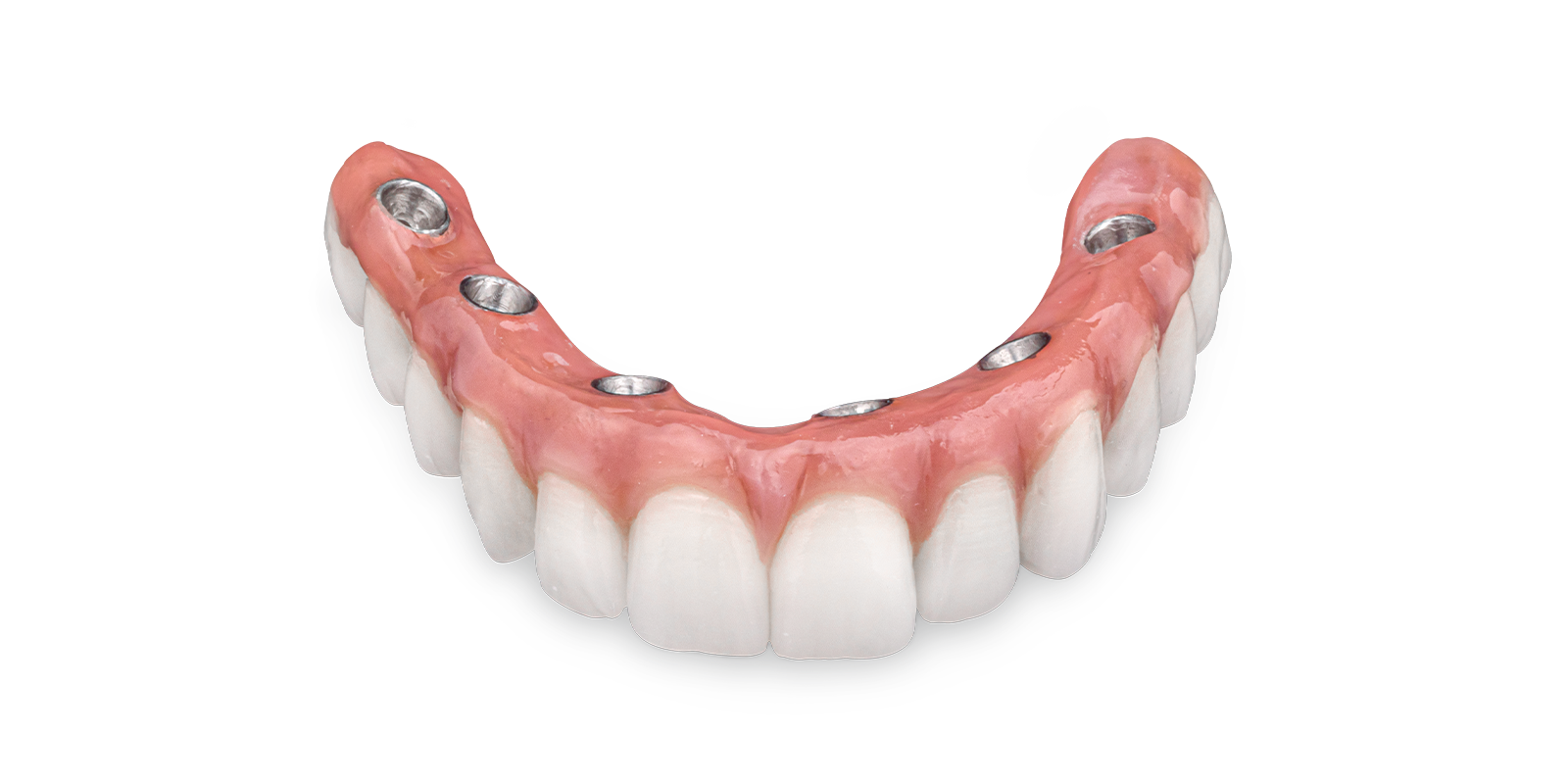
Hybrid Denture
6 min
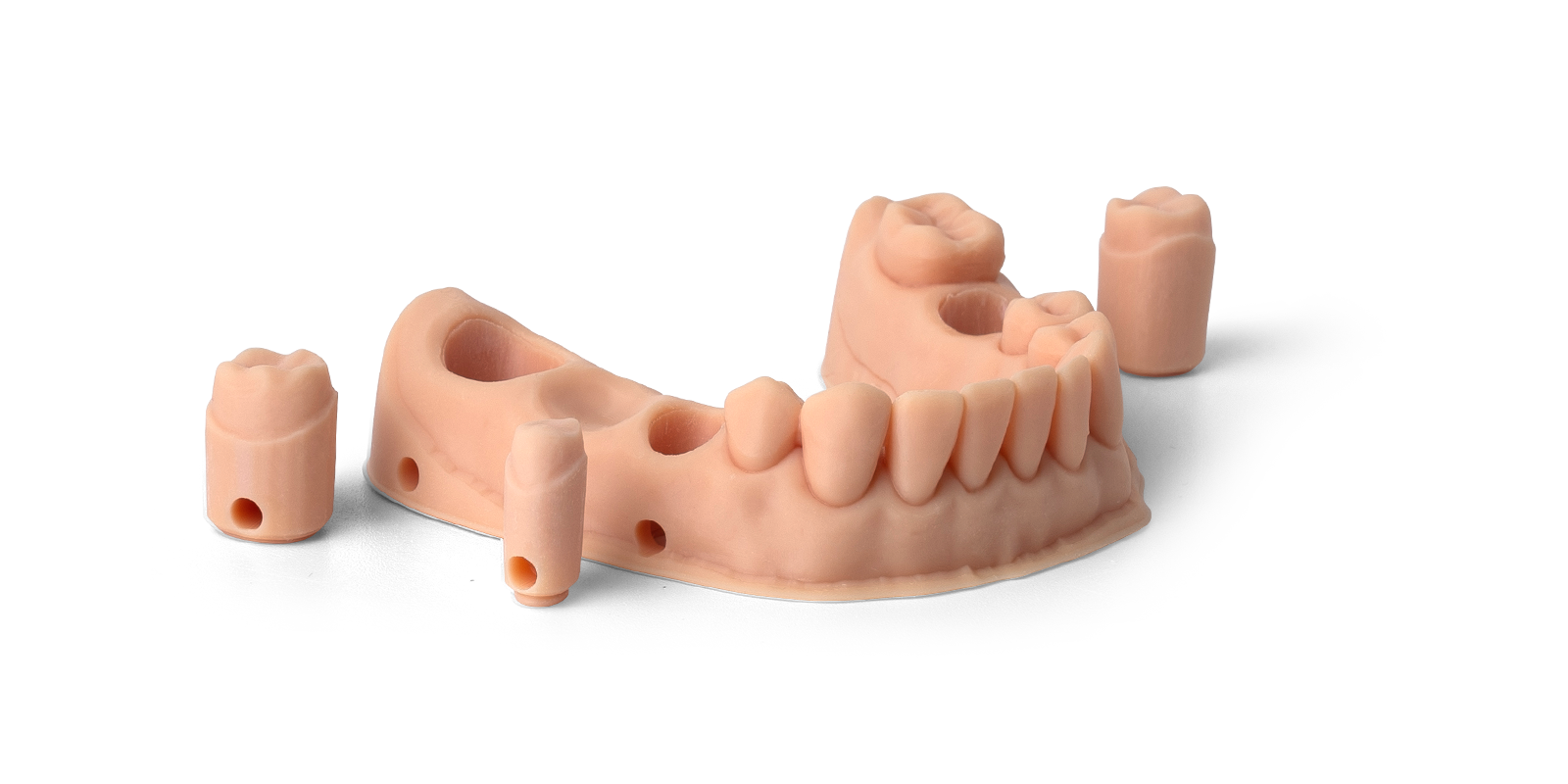
Dental Model
7 min
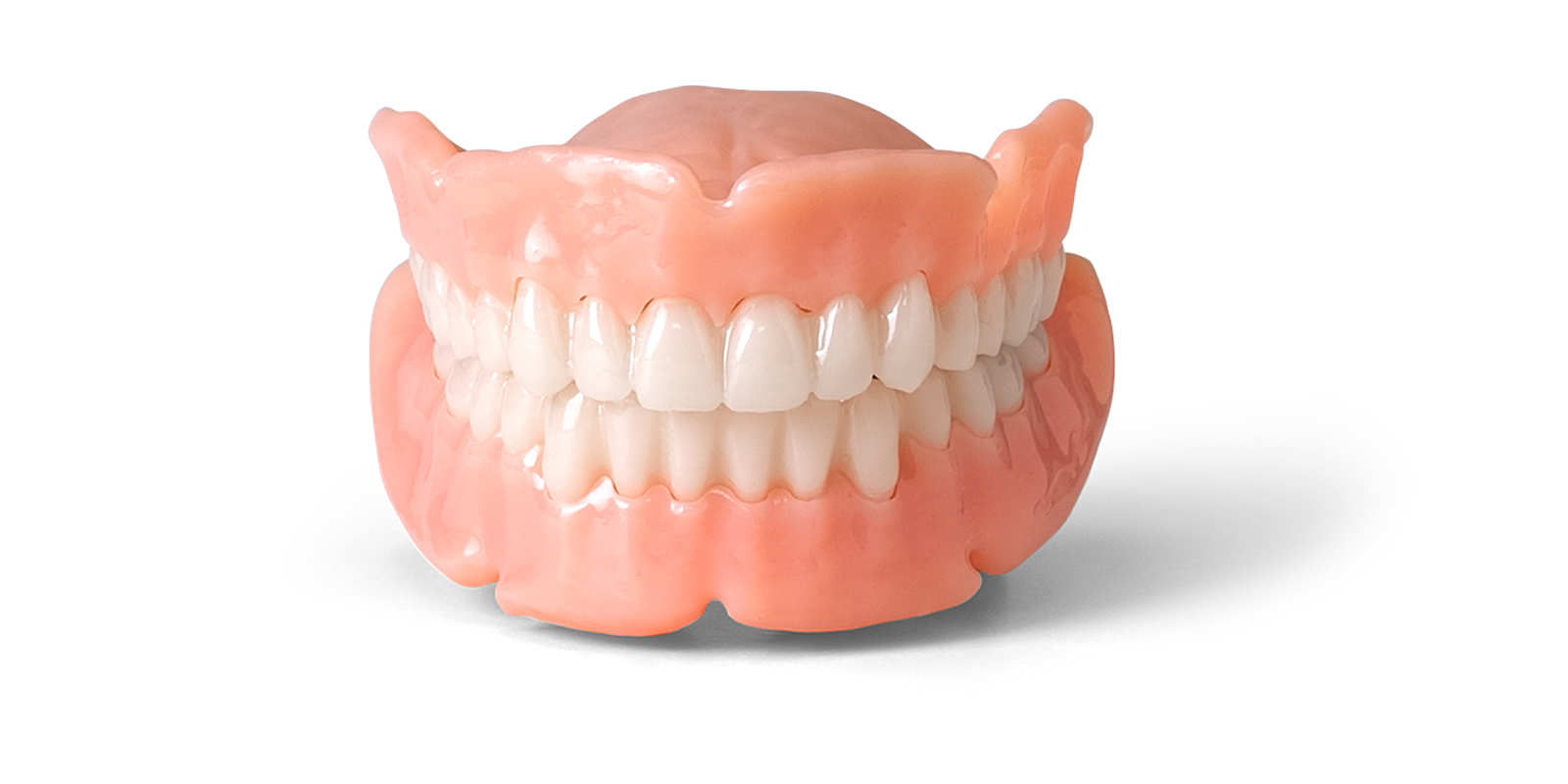
Denture Base
5 min
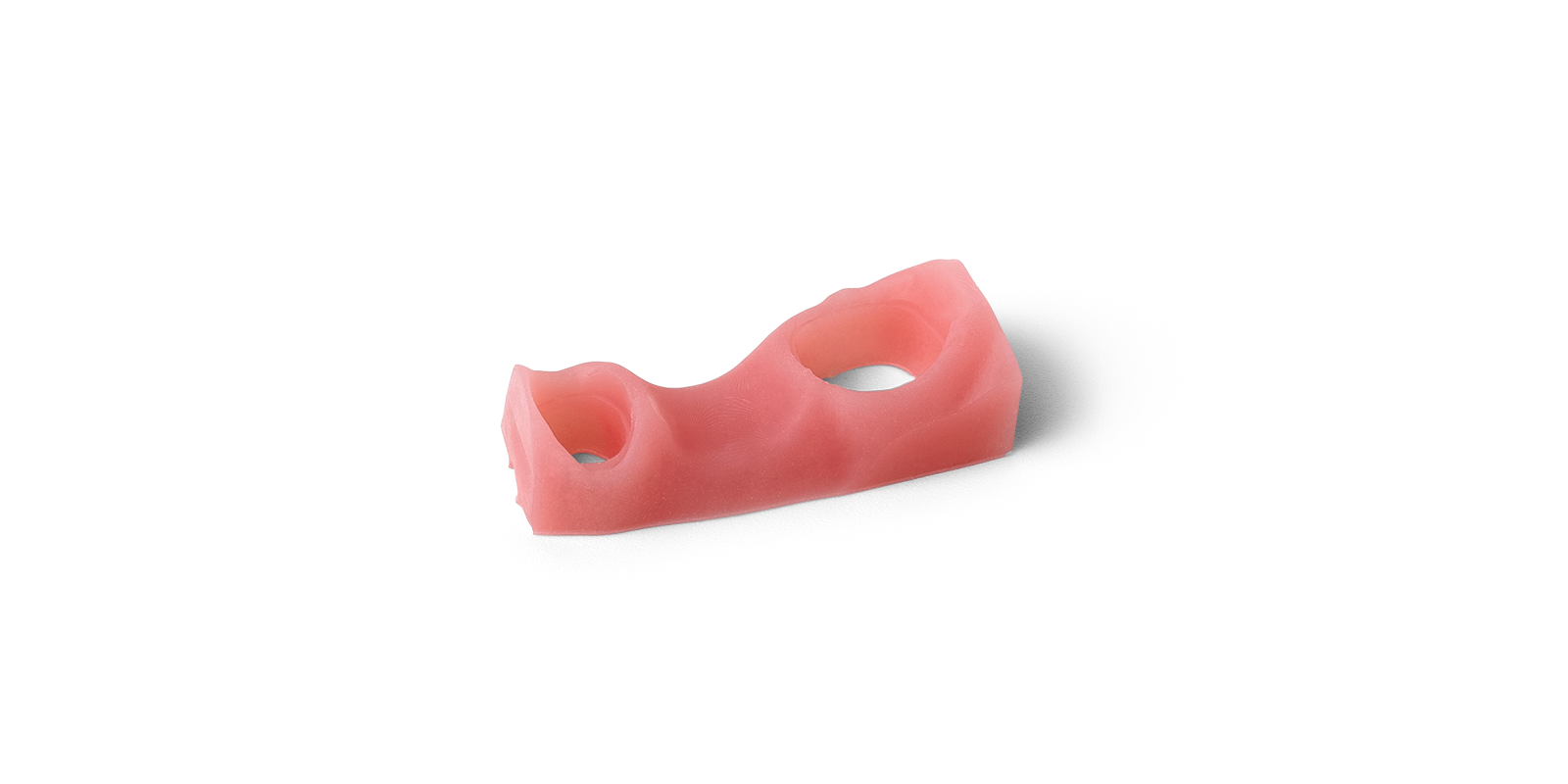
Gingiva Mask
1 min
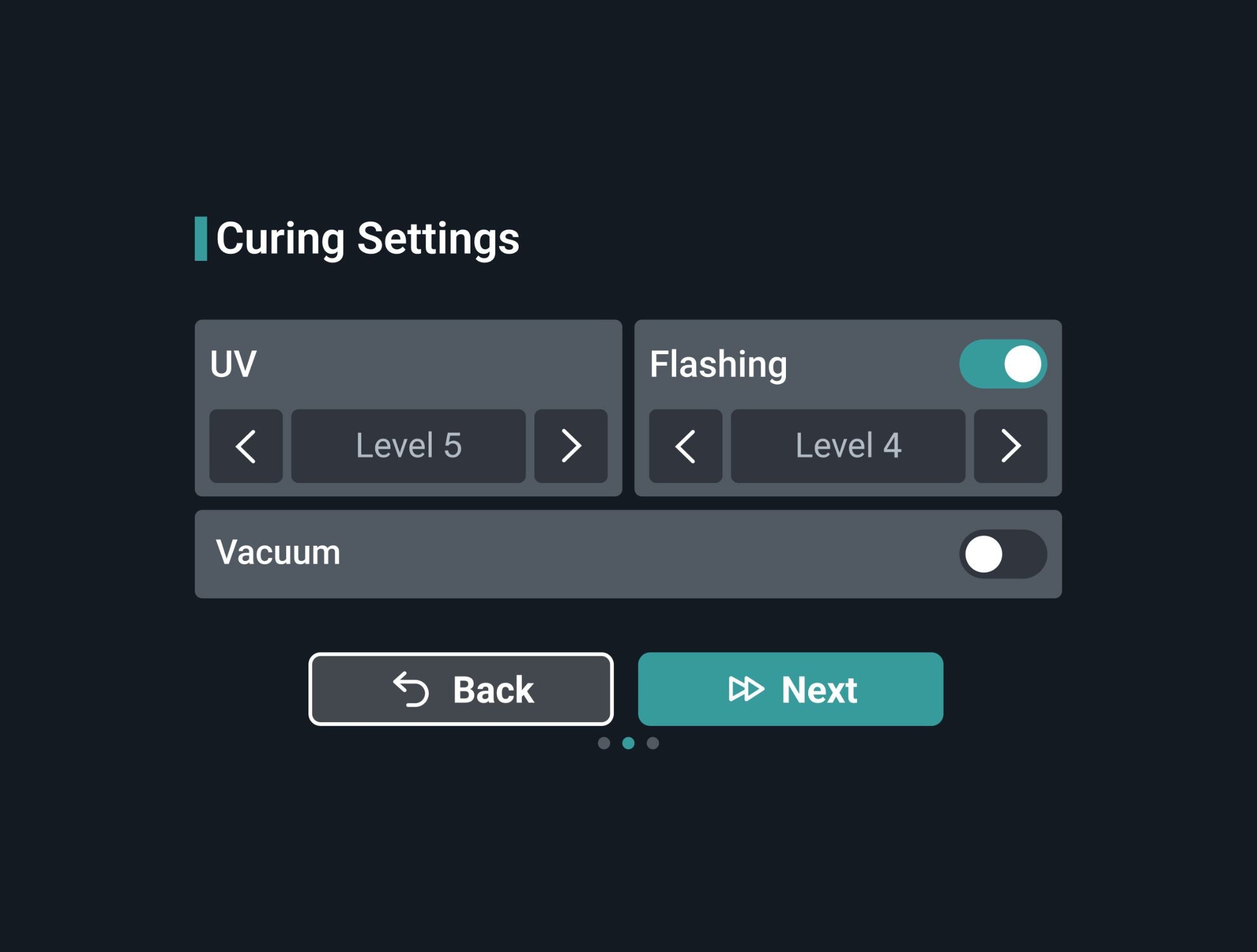
Flexible Curing Control
Fine-tune curing settings based on material and application needs.
- 5-level UV intensity control for adjustable curing energy
- 4-level Flash mode to support deeper and more efficient curing
- Vacuum-assisted curing helps reduce surface oxygen inhibition
Vacuum curing in just 4 steps
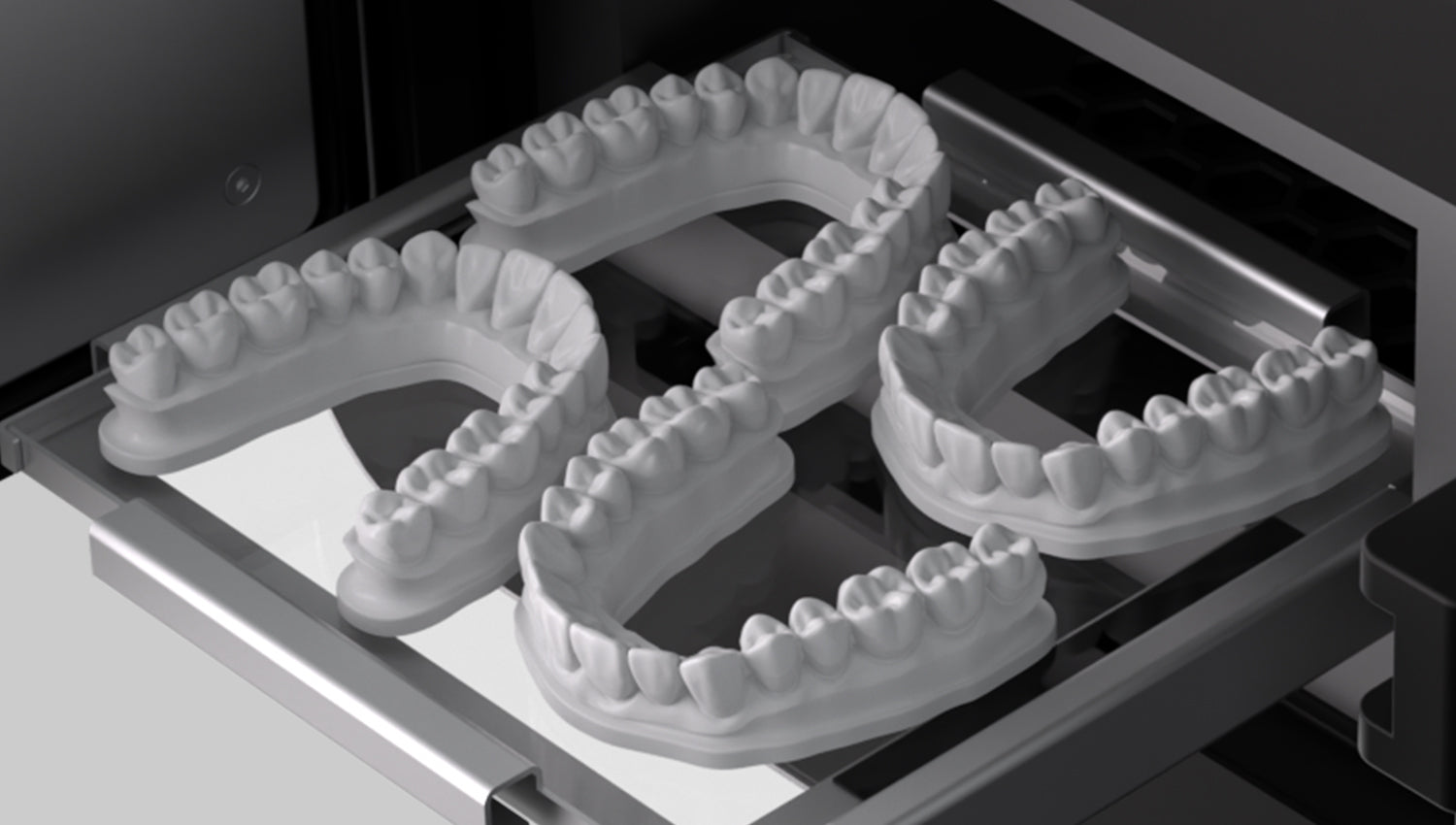
Step 1. Place
Place printed appliances into the curing chamber.
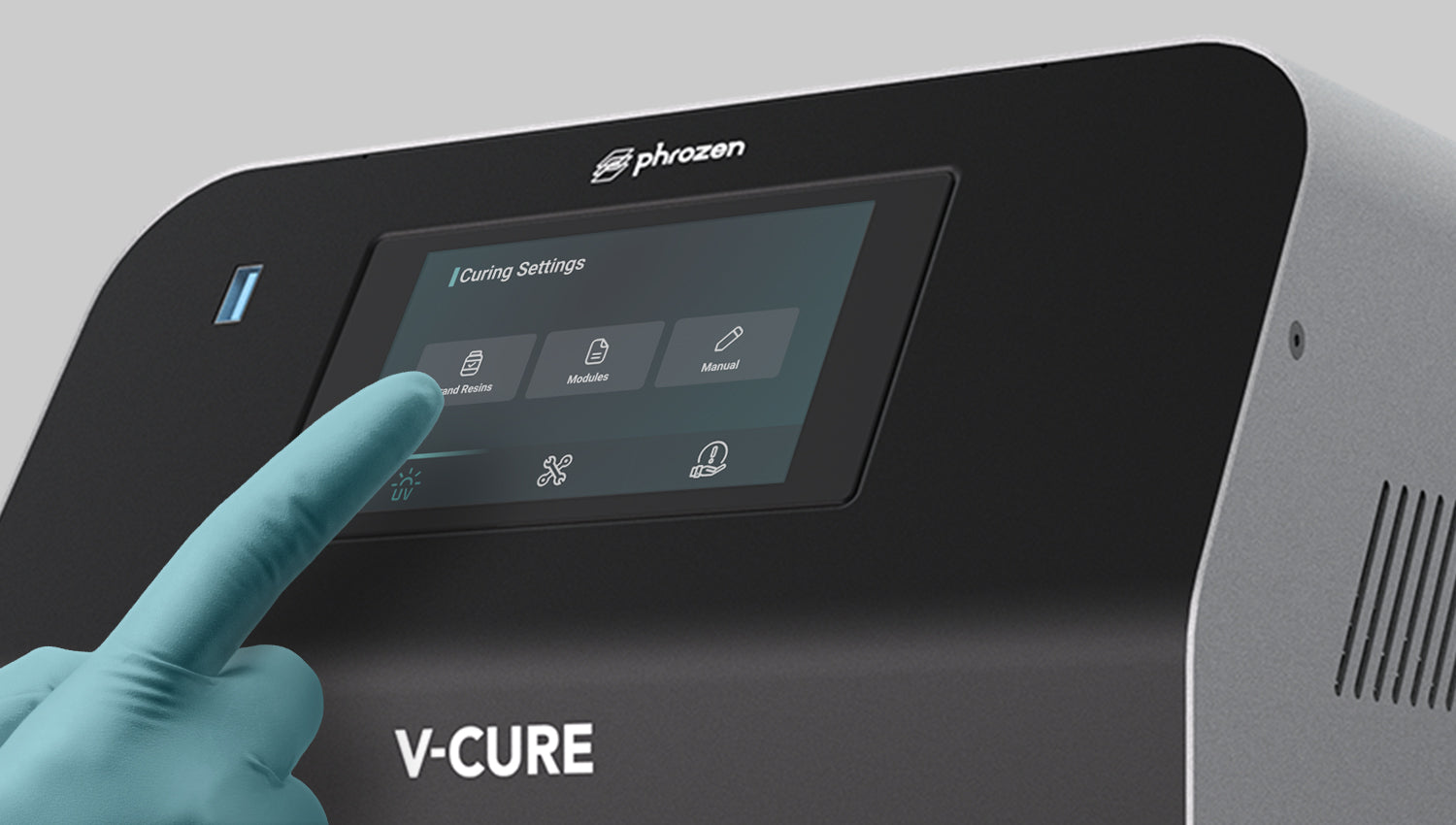
Step 2. Select Profile
Select the curing profile based on the material.
Adjust the curing time if needed.
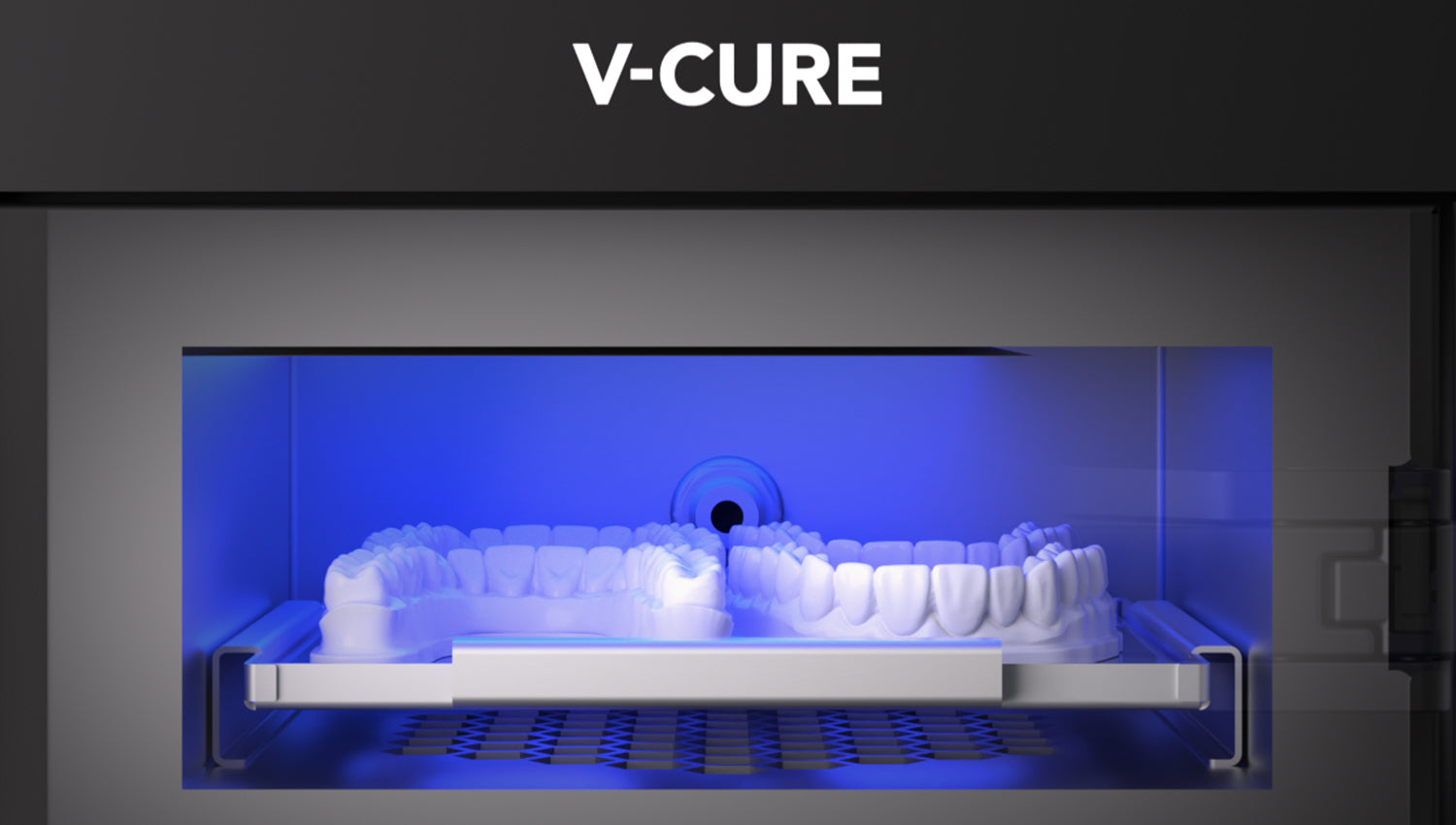
Step 3. Start Curing
Start the process. V-CURE will create a vacuum before UV curing begins.
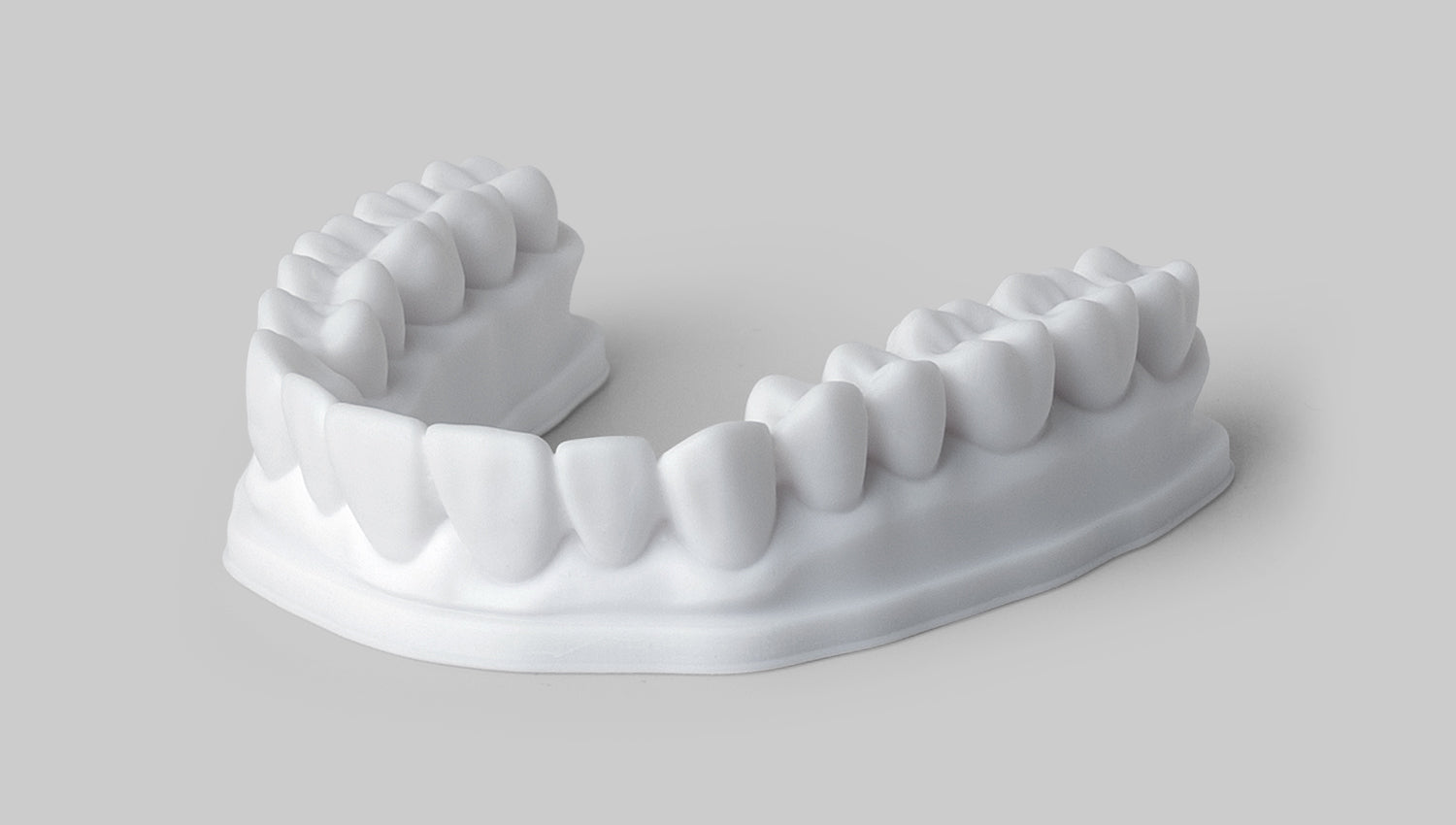
Step 4. Remove Safely
Carefully remove the cured appliances.
Technical Specifications
UV Cure, Vacuum
365, 385, 405 nm
Max 130W
36 LED lights
max 720 mmHg
<58dB
W120 x D120 x H50 mm
W280 x D390 x H320mm
5"
10.3Kg
150W
100~240 VAC/50~60 Hz Max:4A
V-CURE vs. CURE+
Compare curing technologies and key specifications to find the right solution for your workflow.
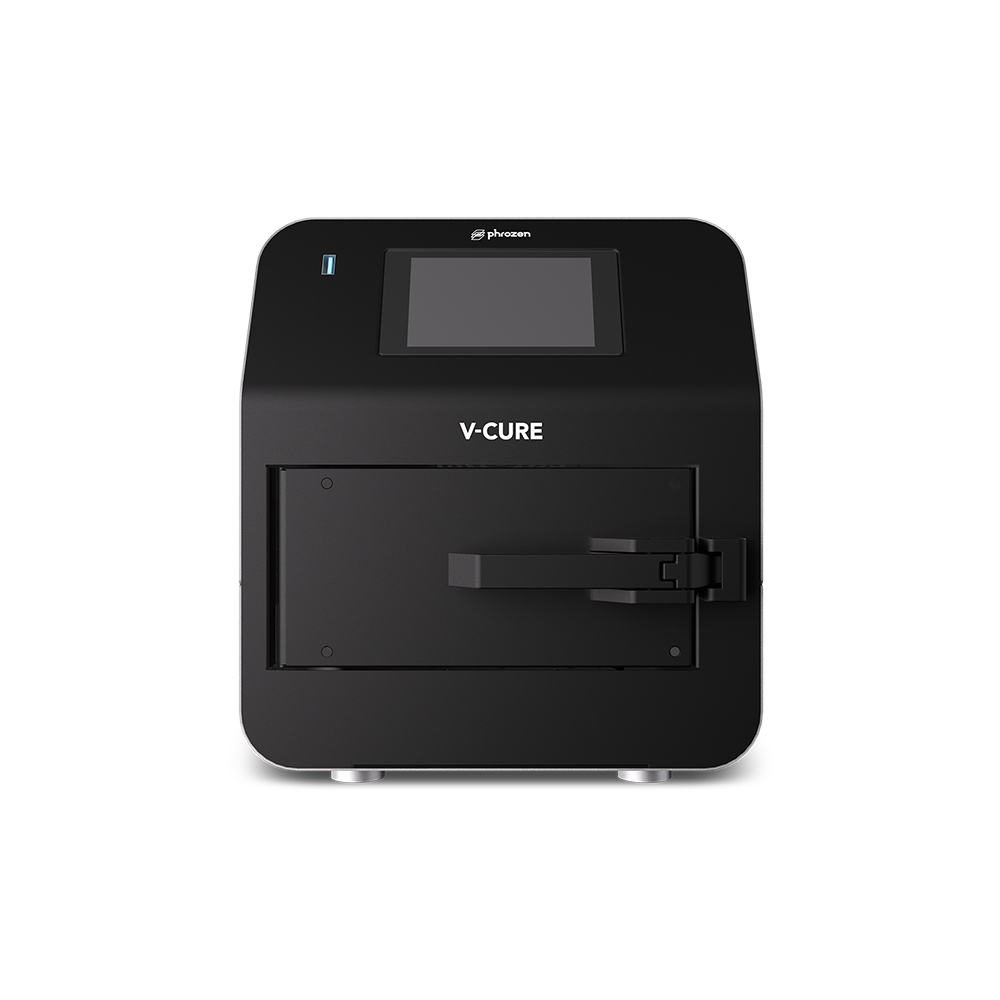
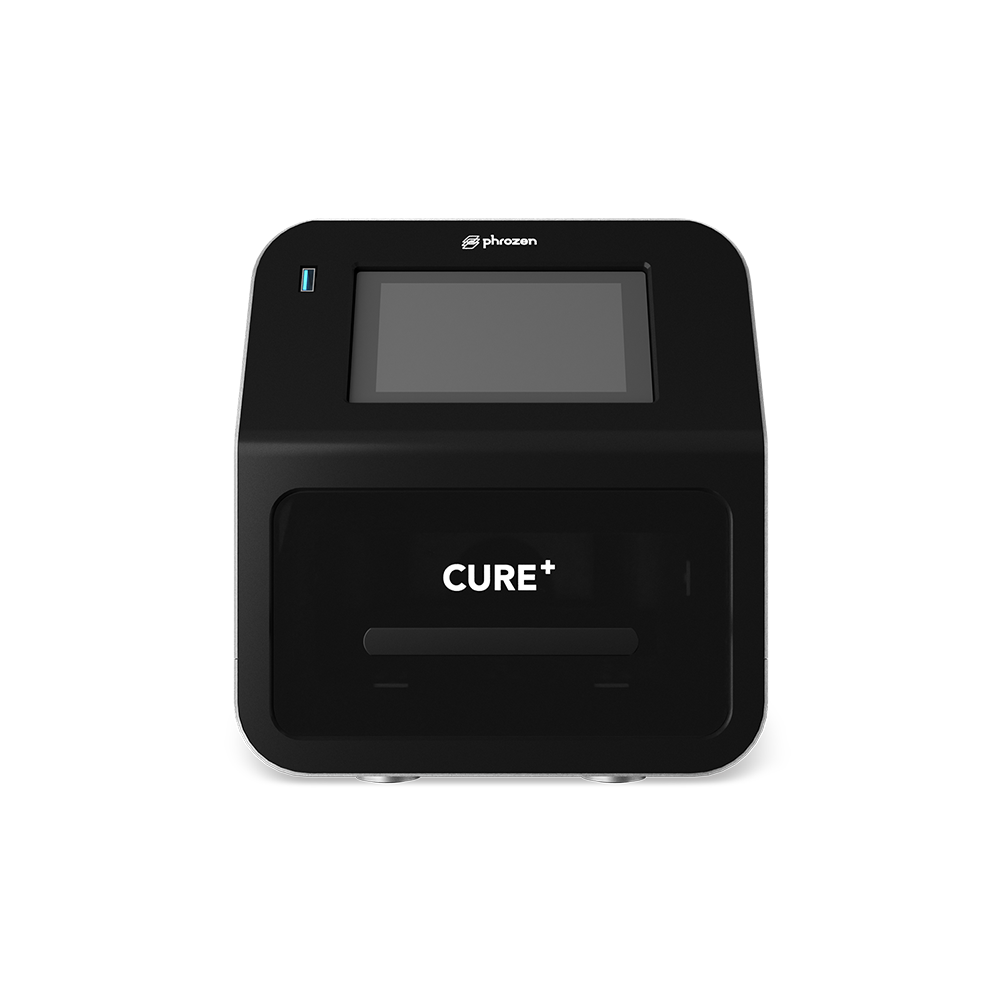
Advanced vacuum post-curing applications
Standard dental post-curing
UV and flash curing with vacuum
UV and flash curing with controlled heating
365, 385, 405 nm
365, 385, 405 nm
Max 130W
110W
36 LEDs
36 LEDs
80 W, 60 °C
max 720 mmHg
<58dB
W120 x D120 x H50 mm
W120 x D120 x H50 mm
W280 x D390 x H320mm
W230 x D335x H260mm
10.3Kg
7.3kg
Post-Curing Time Comparison
Compared with CURE+, V-CURE shortens post-curing time by 30–50% across selected dental applications.
FAQ
What is Phrozen V-CURE?
Phrozen V-CURE is a vacuum post-curing unit designed for dental 3D printing workflows. It combines controlled UV light exposure, four adjustable flash levels, and vacuum conditions to help biocompatible dental resins achieve consistent and reliable post-curing results.
Why is vacuum important during post-curing?
Oxygen can interfere with resin polymerization, especially on the surface of printed parts. V-CURE reduces oxygen inside the chamber to support more complete and uniform surface curing.
Does V-CURE require nitrogen gas or glycerin?
No external nitrogen supply is required. For compatible and validated workflows, vacuum curing may also reduce or eliminate the need to soak glycerin as an oxygen barrier.
Always follow the resin manufacturer's validated instructions.
What is the difference between V-CURE and CURE+?
CURE+ combines UV light with a one-touch heating function that automatically heats the chamber up to 60°C. V-CURE does not include a built-in heating function; instead, it uses UV light, four flash settings, and vacuum curing to reduce oxygen inhibition and simplify the post-curing workflow.
With supported resin profiles, V-CURE may reduce curing time by approximately 30–50% compared with CURE+. Actual curing time depends on the resin, dental application, and validated parameters.
Does V-CURE have temperature control?
No. V-CURE does not include a temperature-control function. Its curing process is based on adjustable UV light intensity, flash levels, curing time, and vacuum settings.
What is the flash function used for?
The flash function delivers light in rapid, high-intensity pulses to support efficient resin post-curing. V-CURE provides four flash settings, allowing validated resin profiles to apply an appropriate light-delivery setting for different materials and dental applications.
Which dental resins are compatible with V-CURE?
V-CURE supports a wide range of dental 3D printing materials, including resins for splints, surgical guides, models, dentures, and other dental applications.
Compatibility and curing parameters depend on the validated resin profile.
Can I create custom curing settings?
Yes. In addition to preset resin profiles, users can adjust curing time, UV light intensity, and flash settings. The vacuum function can also be enabled or disabled.
For medical and dental applications, use only verified parameters that comply with the resin manufacturer’s instructions.
How should printed parts be prepared before curing?
Printed parts should be thoroughly washed, completely dried, and free from uncured resin before being placed in V-CURE. Always follow the resin manufacturer’s instructions regarding the cleaning solution, washing time, drying process, support removal, and post-curing sequence.
For a more efficient professional dental workflow, we recommend cleaning printed parts with Phrozen WASH+ before post-curing. Its dual-tank design supports separate washing stages, helping reduce resin residue and prepare printed parts for consistent post-curing results.
Where can I find validated curing parameters and firmware updates?
Validated resin profiles, recommended curing parameters, and firmware updates are available in the Firmware Downloads section of the Phrozen Dental Help Center.
For the latest product updates, resin profile announcements, and firmware release information, please follow Phrozen Dental’s official social media channels and check the featured posts in the Phrozen Dental 3D Printer Group on Facebook.
Where to Buy
Personalized Purchase Support
Need help choosing the right solution?
Connect with our team for personalized product recommendations, pricing, and purchase support.
Request a ConsultationGlobal Reseller Network
Looking for a distributor in your region?
Explore our global reseller network for local availability and support.
Find a Reseller